import'package:flutter/material.dart';import'package:maplibre/maplibre.dart';classMapScreenextendsStatefulWidget{constMapScreen({super.key});@overrideStatecreateState()=>FullMapState();}classMapScreenStateextendsState<MapScreen>{MapController?_mapController;@overrideWidgetbuild(BuildContextcontext){returnScaffold(body:MapLibreMap(onMapCreated:(controller){// Store the map controller for later use. You can use it to control // the map programmatically._mapController=controller;},onStyleLoaded:(style){// Add your sources and layers here or do any other setup after the // style has been loaded.debugPrint('Map loaded 😎');},),);}}
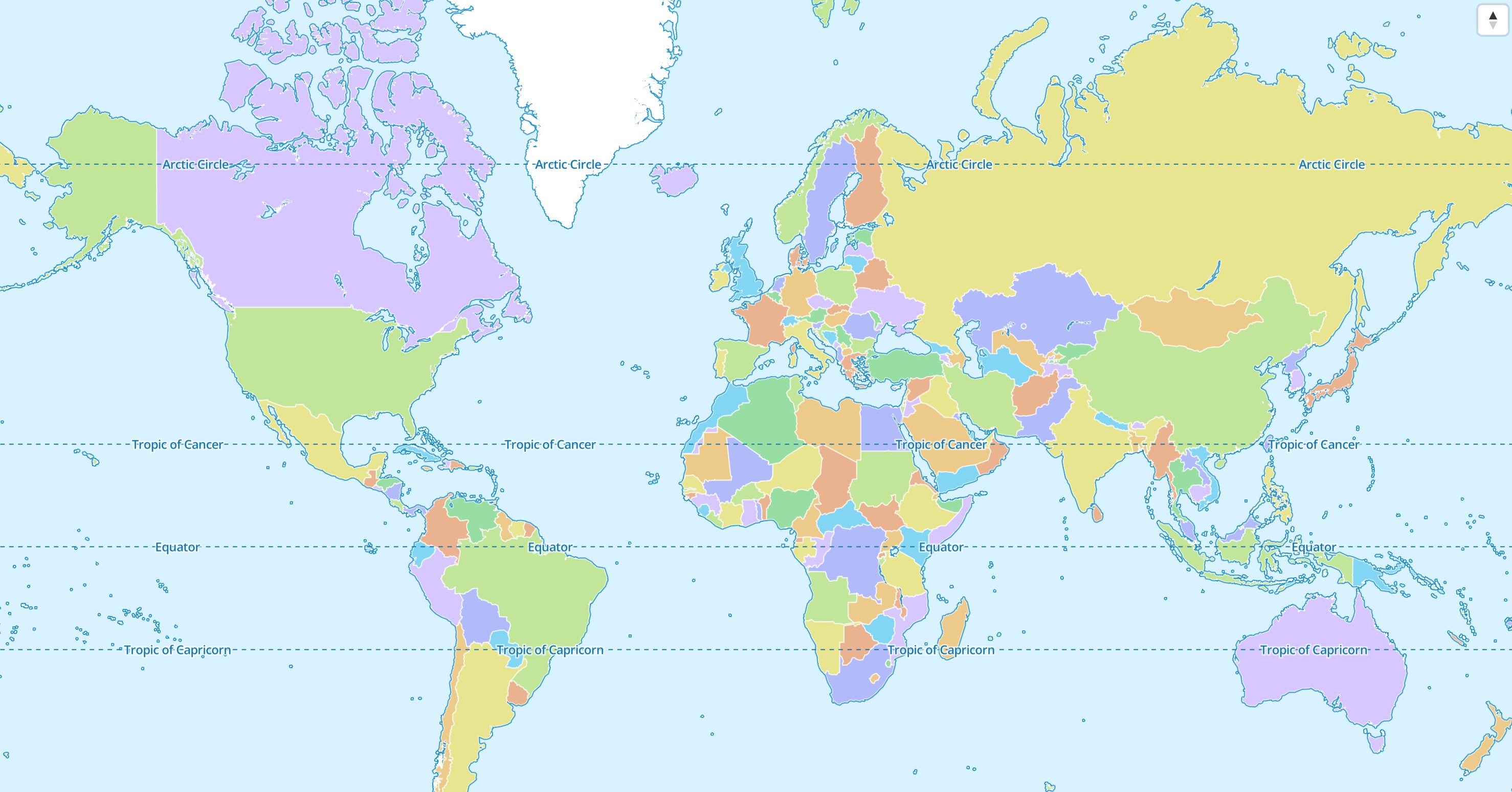
The result should look something like this:
If the map style isn't specified,
the default MapLibre style
is used. Read the Styles chapter to learn how to use other styles.
Programmatic Control
It is possible to update or change the MapLibreMap widget during its lifetime.
The MapLibreMap widget
The MapLibreMap is used to specify
initial values. Parameters that don't begin with init* can be updated in a
declarative way just like any other Flutter Widget. The most simple way is to
use the MapLibreMap widget in a StatefulWidget and calling setState().
@immutableclassMyMapWidgetextendsStatefulWidget{constMyMapWidget({super.key});@overrideState<MyMapWidget>createState()=>_MyMapWidget();}class_MyMapWidgetextendsState<GesturesPage>{// Using this field to store the widget statebool_gesturesEnabed=true;@overrideWidgetbuild(BuildContextcontext){returnScaffold(body:MapLibreMap(options:MapOptions(// parameters that start with init* can't be updatedinitCenter:Geographic(lon:9.17,lat:47.68),initZoom:3,// other parameters can be updatedgestures:_gesturesEnabled?MapGestures.all():MapGestures.none(),),onEvent:(event){if(eventcaseMapEventClick()){// update the map widget using Flutters' state managementsetState(){_gesturesEnabed=!_gesturesEnabed;}}}),);}}
All parameters that start with init* can't be updated using this method and
need to use the MapController or
the StyleController.
The MapController
The MapController can be used by either using the onMapCreated callback or
by listening in the onEvent callback for the MapEventMapCreated event type.
You can store the MapController in a field variable for later use.
1 2 3 4 5 6 7 8 910111213141516171819
class_MyMapWidgetextendsState<GesturesPage>{MapController?_mapController;@overrideWidgetbuild(BuildContextcontext){returnScaffold(body:MapLibreMap(options:MapOptions(initCenter:Geographic(lon:9.17,lat:47.68),initZoom:3),onEvent:(event){// check if the MapEvent type is a MapEventMapCreatedif(eventcaseMapEventMapCreated()){// store the MapController for later use_mapController=event.mapController;}}),);}}
The StyleController
The StyleController is a construct to make style related operations on the
map. It can be used either by listening to the MapEventStyleLoaded event or
the onStyleLoaded callback.
After it has loaded you can access the StyleController at any time
from the style getter of MapController.
1 2 3 4 5 6 7 8 9101112131415161718
class_MyMapWidgetextendsState<GesturesPage>{@overrideWidgetbuild(BuildContextcontext){returnScaffold(body:MapLibreMap(options:MapOptions(initCenter:Geographic(lon:9.17,lat:47.68),initZoom:3),onEvent:(event){// check if the MapEvent type is a MapEventStyleLoadedif(eventcaseMapEventStyleLoaded()){// This event gets emitted every time a style finishes loading.event.style.addSource(...);event.style.addLayer(...);}}),);}}
Another way to access the StyleController is by calling the style getter on
the MapController. Modifications on the map style are only possible after the
style has been loaded. In case it hasn't loaded, the getter returns null.
123456
MapController?_mapController;voiddoSomething(){// only adds the source if the style has finished loading and a source can be added._mapController?.style?.addSource(...);}