Skip to content

Fill Extrusion Style Layer

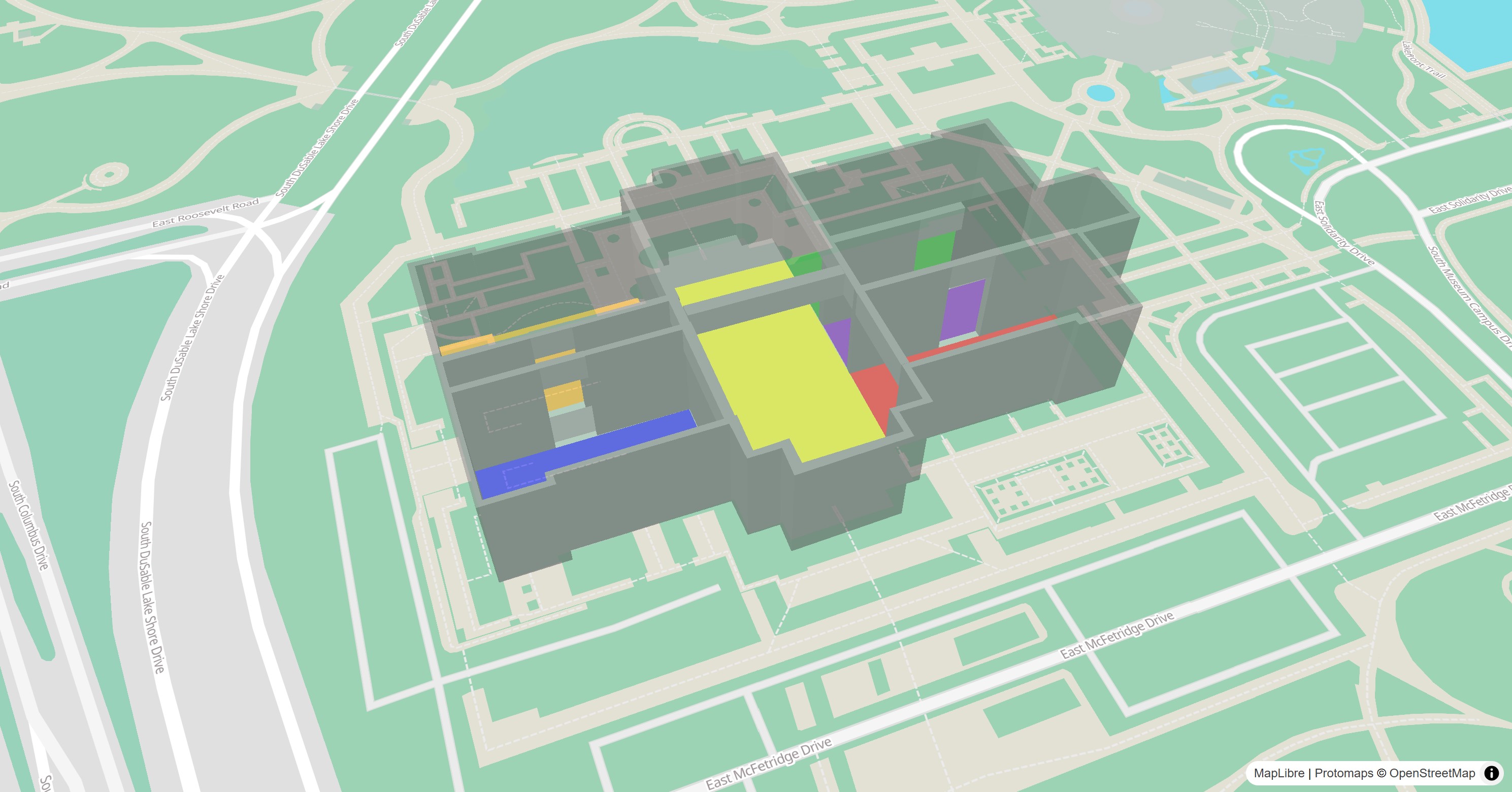
The FillExtrusionStyleLayer is either used by the map style or can be added to the map programmatically to symbolize data on the map.

Fill Extrusion Style Layer

Basic Usage

 1
 2
 3
 4
 5
 6
 7
 8
 9
10
11
12
13
14
15
16
17
18
19
20
21
22
23
24
25
26
27
28
29
30
31
32
33
late final MapController _controller;

@override
Widget build(BuildContext context) {
  return MapLibreMap(
      options: MapOptions(center: Geographic(lon: 9.17, lat: 47.68)),
      onMapCreated: (controller) => _controller = controller,
      onStyleLoaded: (style) async {
        // add the tile source
        await style.addSource(
          const GeoJsonSource(
            id: _sourceId,
            data:
            'https://maplibre.org/maplibre-gl-js/docs/assets/indoor-3d-map.geojson',
          ),
        );
        const layer = FillExtrusionStyleLayer(
          id: 'room-extrusion',
          sourceId: _sourceId,
          paint: {
            // See the MapLibre Style Specification for details on data expressions.
            // https://maplibre.org/maplibre-style-spec/expressions/
            'fill-extrusion-color': ['get', 'color'],
            'fill-extrusion-height': ['get', 'height'],
            'fill-extrusion-base': ['get', 'base_height'],
            'fill-extrusion-opacity': 0.5
          },
        );
        // add the layer
        await style.addLayer(layer);
      }
  );
}

Check out the example app to learn more.

Style & Layout

Use the paint property to change the style and the layout property to change the behavior on the map.

Read the Paint & Layout chapter to learn more on this topic.