Line Style Layer
The LineStyleLayer is either used by the map style or can be added to the map
programmatically to symbolize data on the map.
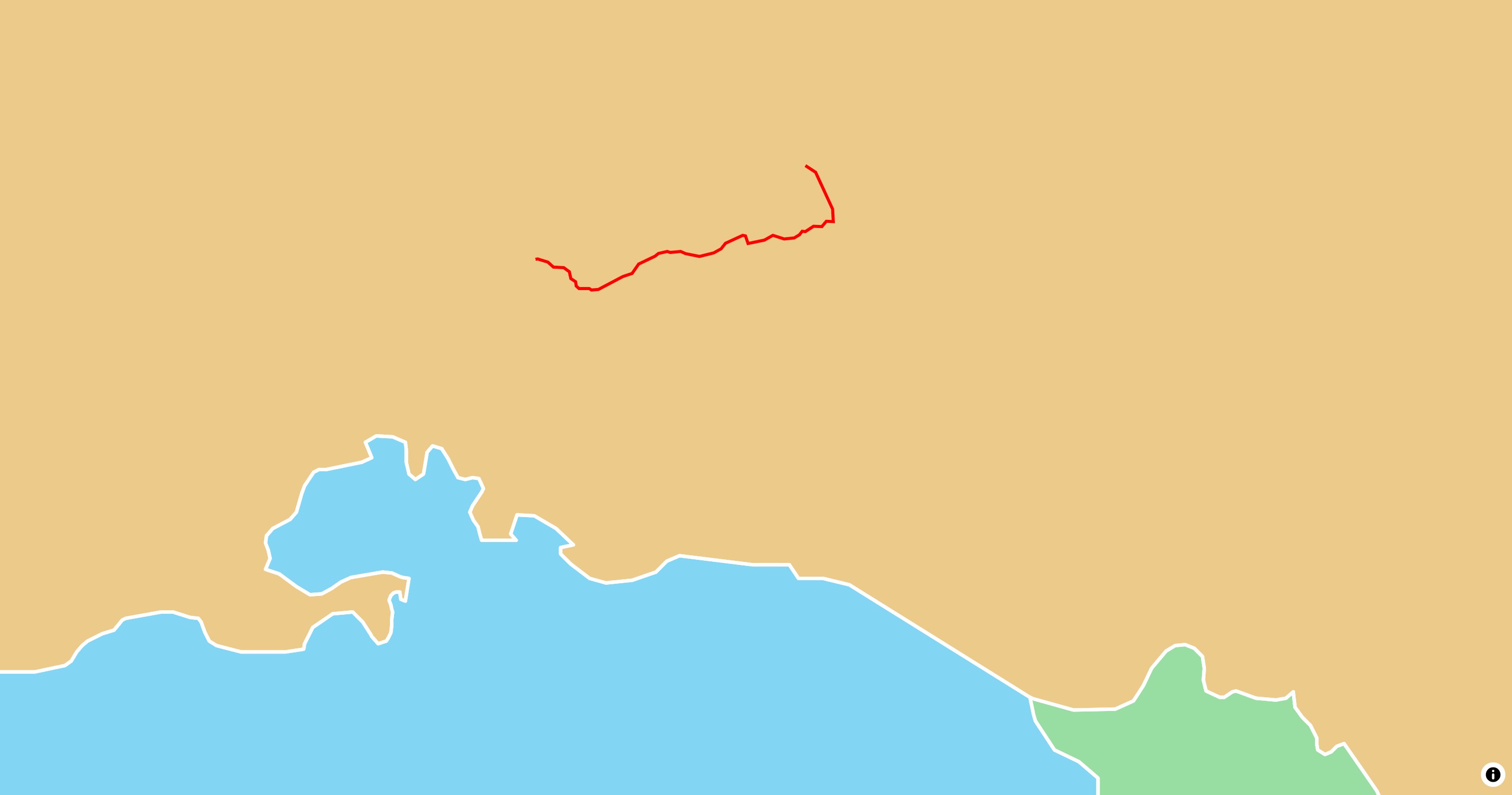
Basic Usage
 1
 2
 3
 4
 5
 6
 7
 8
 9
10
11
12
13
14
15
16
17
18
19
20
21
22
23 | late final MapController _controller;
@override
Widget build(BuildContext context) {
return MapLibreMap(
options: MapOptions(initCamera: .position(center: Geographic(lon: 9.17, lat: 47.68), zoom: 7)),
onMapCreated: (controller) => _controller = controller,
onStyleLoaded: (style) async {
final geojsonLine = await rootBundle.loadString('assets/geojson/path.json');
await style.sources.add(
GeoJsonSource.data(id: 'Path', data: geojsonLine),
);
await style.layers.add(
LineStyleLayer(
id: 'geojson-line',
sourceId: 'Path',
color: const .literal(Color(0xFFFF0000)),
width: const .literal(3),
),
);
}
);
}
|
Check out
the example app
to learn more.
Style & Layout
Every property of the style spec is an optional parameter and a getter and
setter of the layer. See Paint & Layout and
Expressions.
Read the Paint & Layout chapter to learn more on this
topic.