Line Style Layer
The LineStyleLayer is either used by the map style or can be added to the map
programmatically to symbolize data on the map.
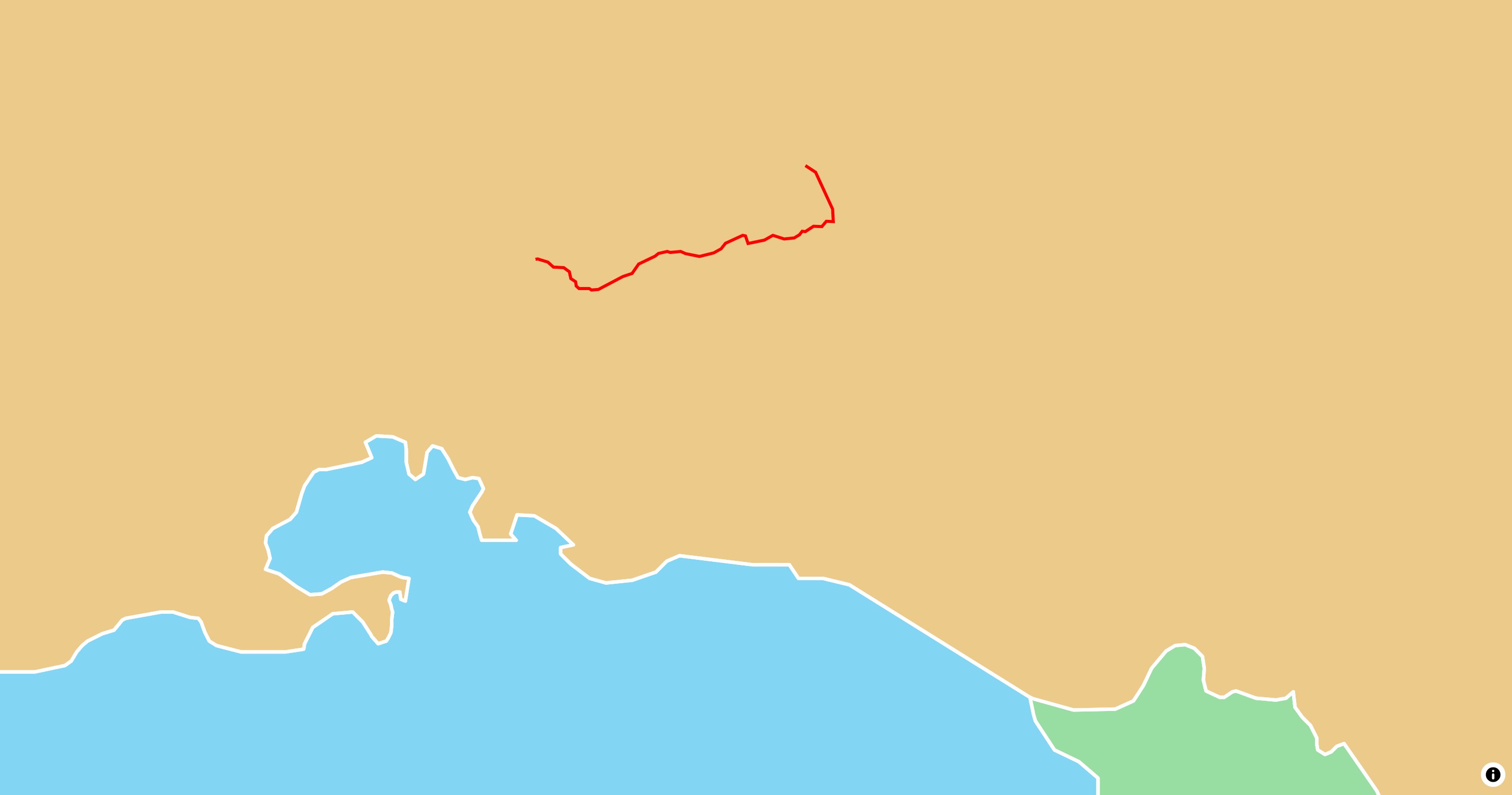
Basic Usage
 1
 2
 3
 4
 5
 6
 7
 8
 9
10
11
12
13
14
15
16
17
18
19
20
21
22 | late final MapController _controller;
@override
Widget build(BuildContext context) {
return MapLibreMap(
options: MapOptions(center: Geographic(lon: 9.17, lat: 47.68)),
onMapCreated: (controller) => _controller = controller,
onStyleLoaded: (style) async {
final geojsonLine = await rootBundle.loadString('assets/geojson/path.json');
await style.addSource(
GeoJsonSource(id: 'Path', data: geojsonLine),
);
await style.addLayer(
const LineStyleLayer(
id: 'geojson-line',
sourceId: 'Path',
paint: {'line-color': '#F00', 'line-width': 3},
),
);
}
);
}
|
Check out
the example app
to learn more.
Style & Layout
Use the paint property to change the style and the layout
property to change the behavior on the map.
Read the Paint & Layout chapter to learn more on this
topic.